Pik App

Explainer Video
Project Details
This is a practice project in which the style frames were provided by Tele Towns, and I developed my own version of explaining the app.
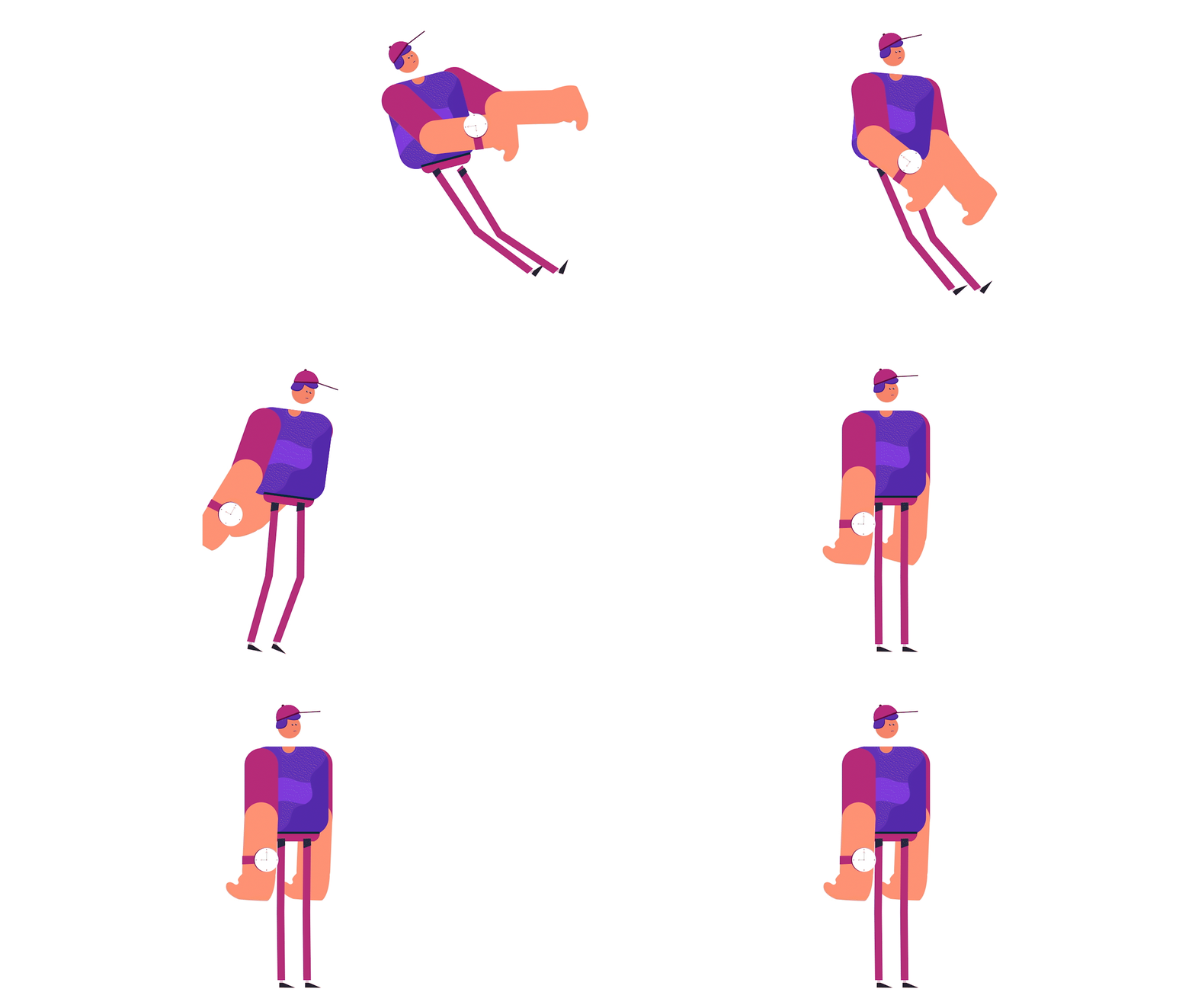
This project is unique because I experimented with new techniques that I hadn't tried before, like playing around with shape keys, to create fake 3d Transitions. Initially, these transitions were quite challenging to achieve. The solution I found was to create actual 3D renders and then "draw" over them.
TOOLS:
After Effects, Illustrator and Premiere Pro
Design:
Tele Towns
Animation:
Omar Jabr
Behind The Scenes




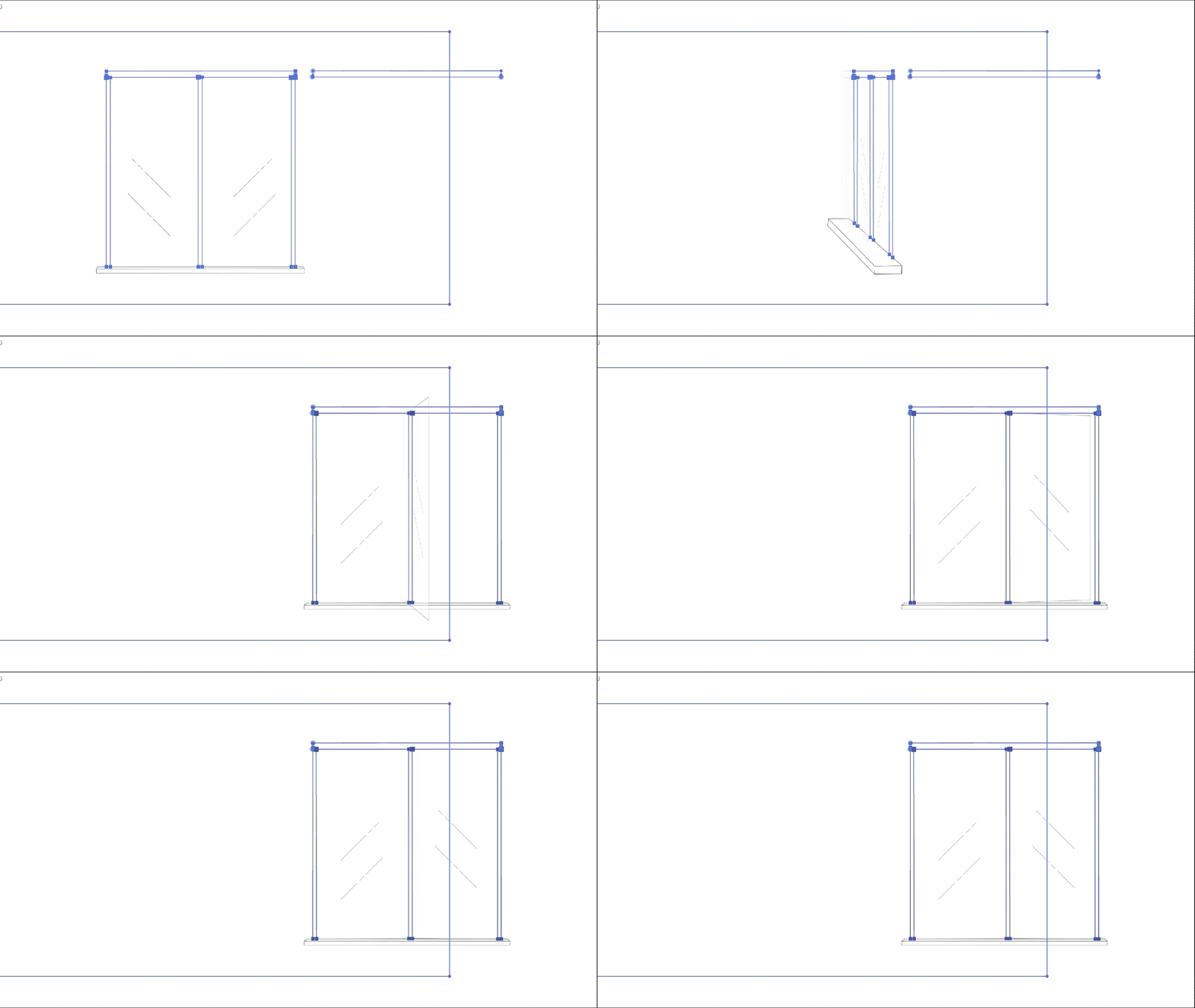
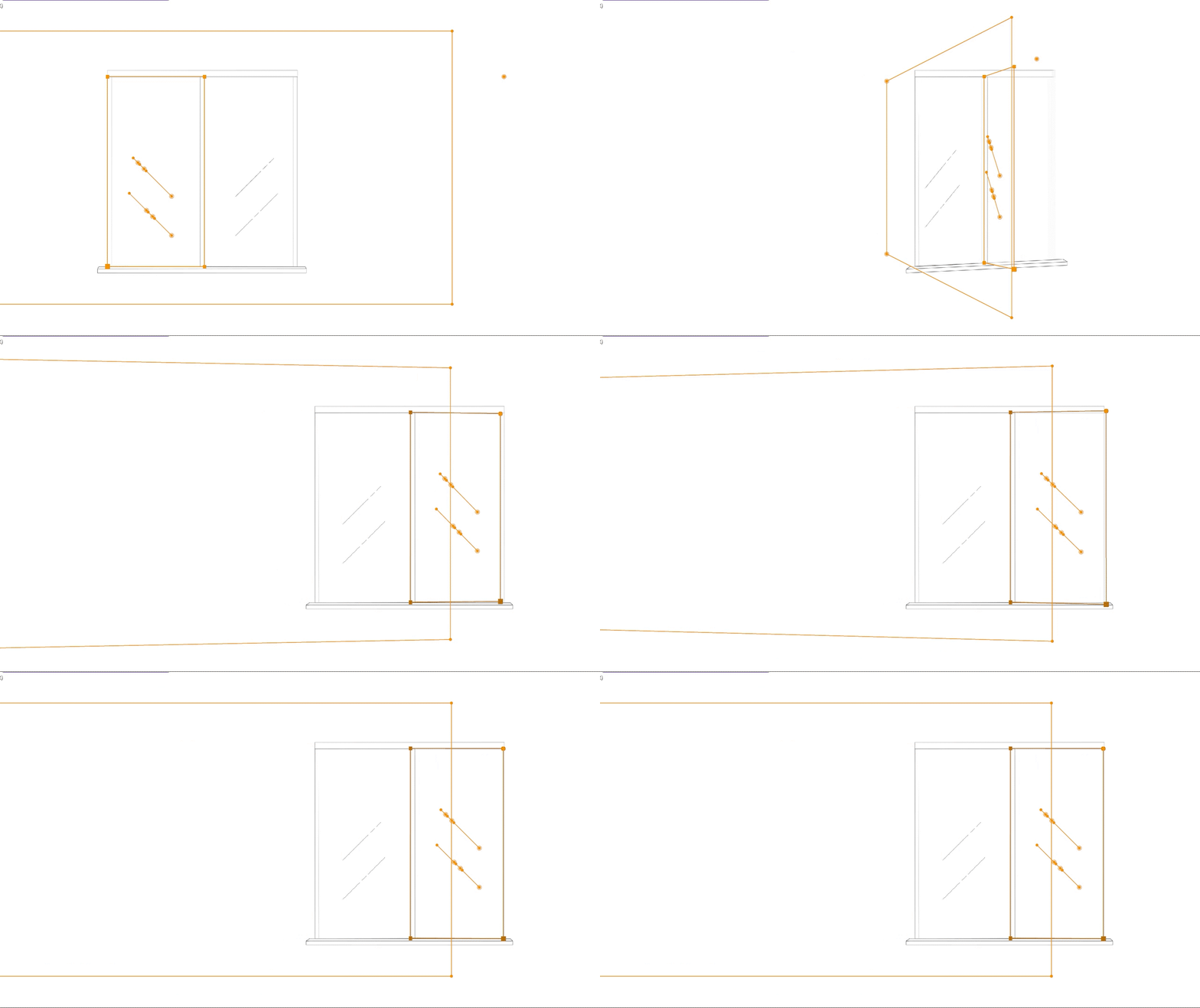
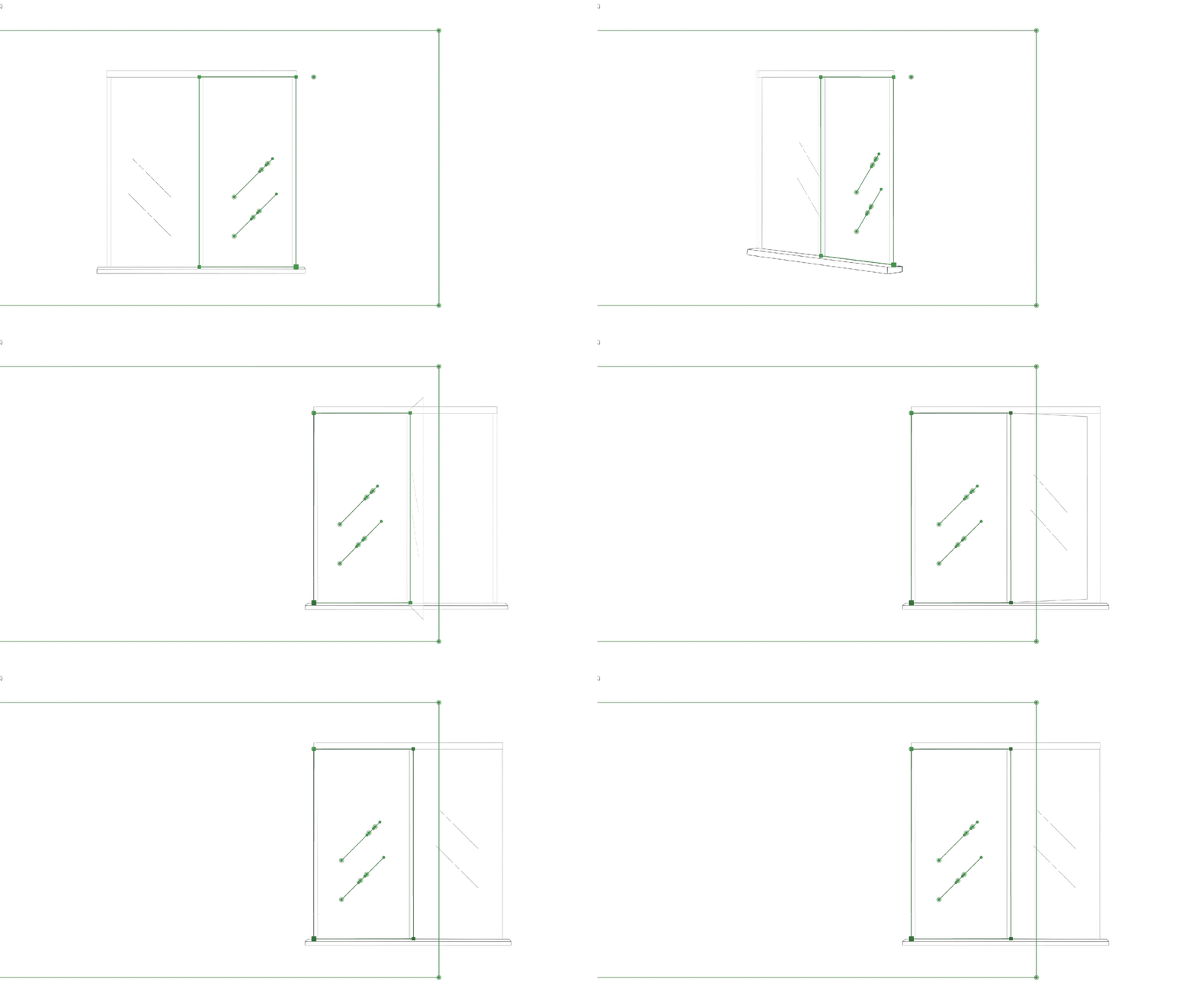
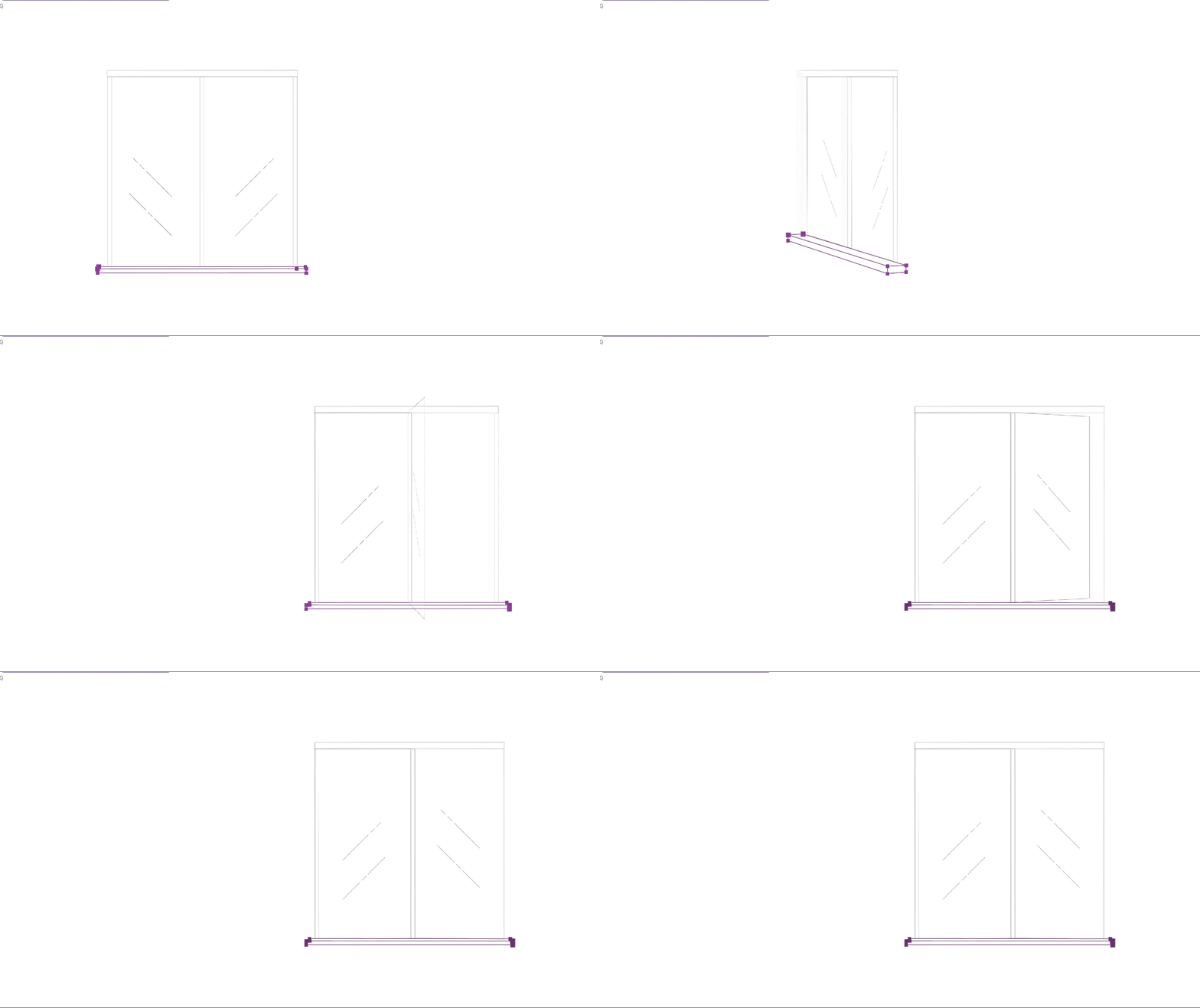
Creating a 3D revolving door was quite challenging, as getting the angle and perspective right was the biggest issue. My final solution involved designing the door in Blender, rendering it, and then importing the video into After Effects. I matched the path of the door in After Effects to align with the 3D model I created.


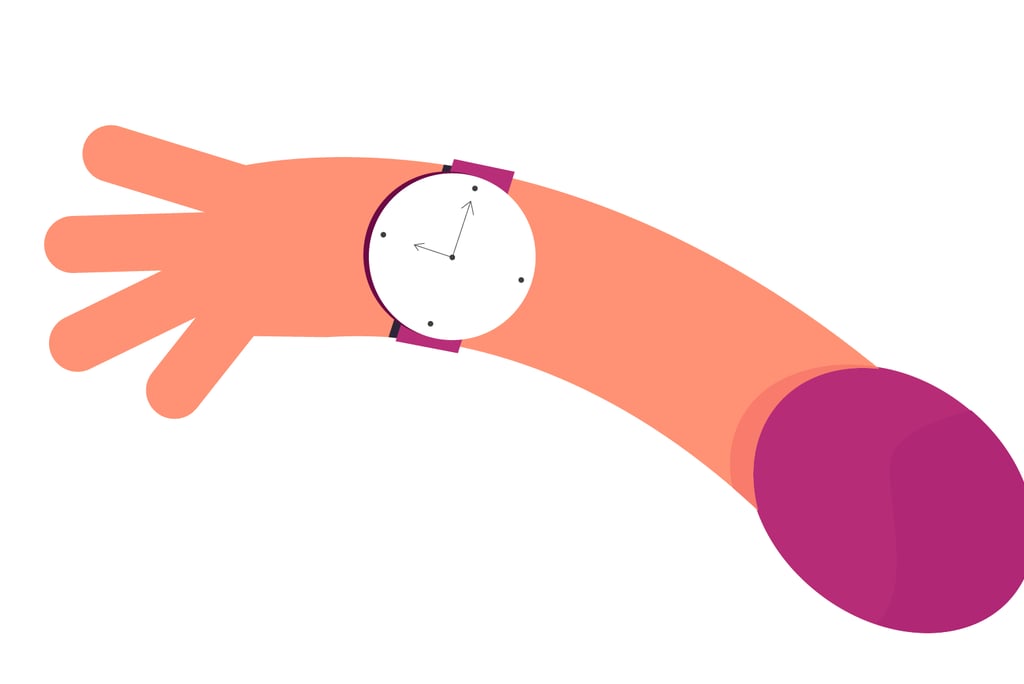
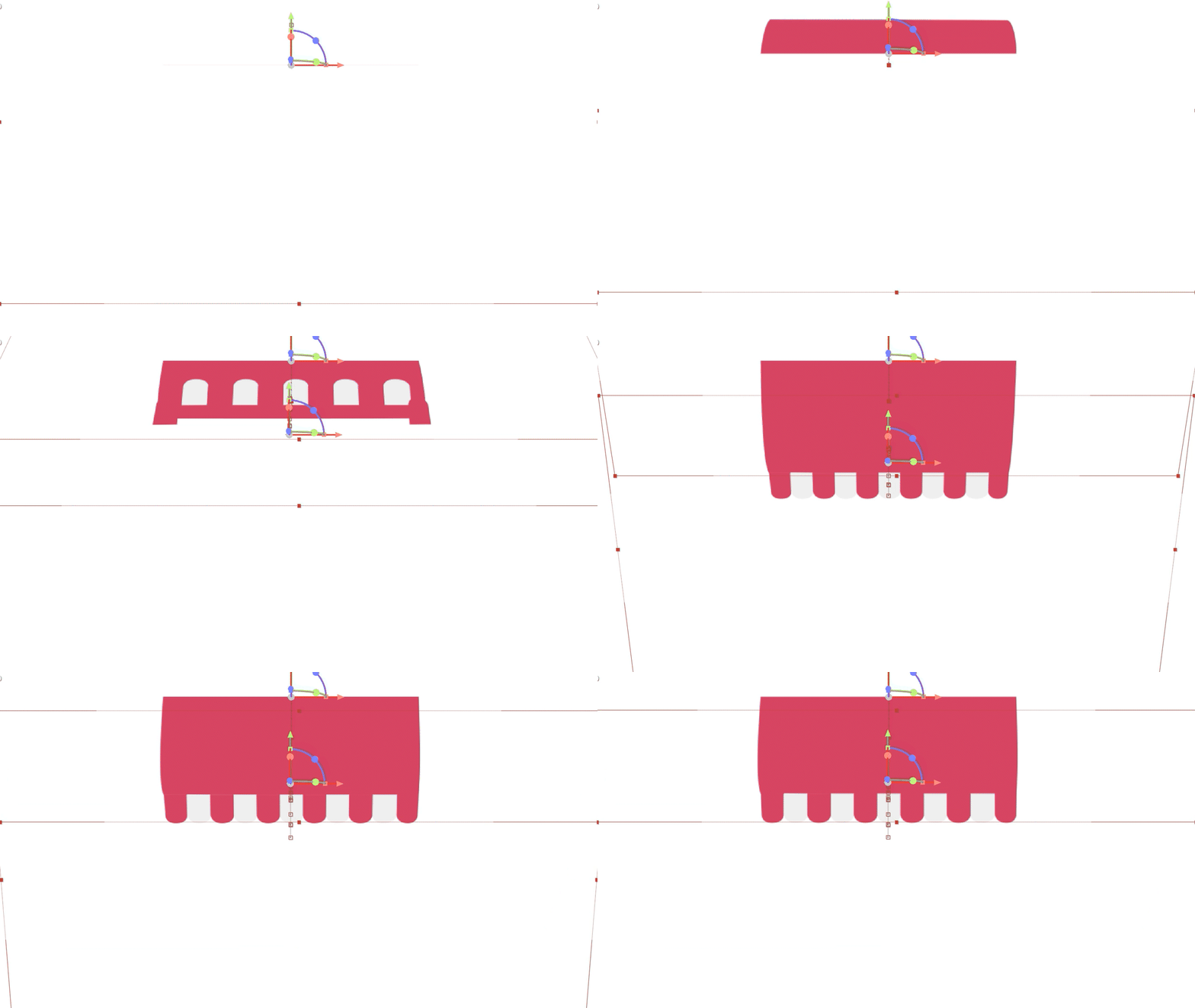
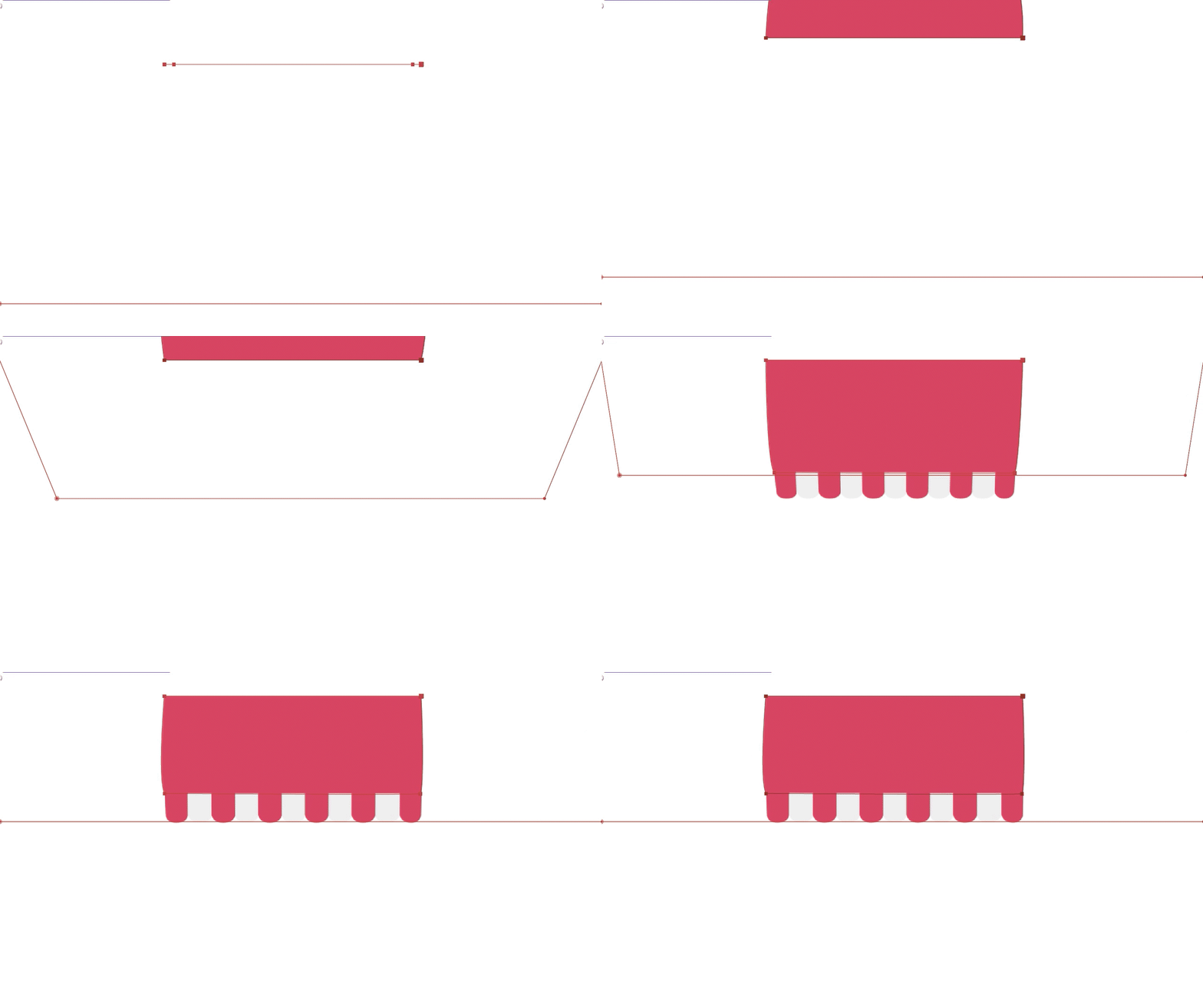
The other part of the storefront was the tent on top, which needed to animate as it's opening just like a real one. I used shape path with 3D animation in After Effects.
Come Say Hello!